Accessibility checkups for small sites.
Get a plain-English report in minutes: what's wrong, where it is, and how to fix it.
Scan Preview
Top 5 Fixes
Scan your website
We'll scan up to 25 public pages. No login required. Add your email to get notified when the scan is ready.
If your site blocks scanners, we'll guide you to Assisted Scan.
DOJ Web Accessibility Compliance Deadlines: April 2026 & 2027
New DOJ rules require state and local governments to meet WCAG 2.1 Level AA standards. Learn what you need to know and how to prepare.
Everything you need to fix accessibility issues
Automated Scanning
Find common WCAG issues: labels, names, contrast, alt text, keyboard blockers.
Plain-English Report
Prioritized Top 5 fixes + screenshots and step-by-step guidance.
Verified Scan Mode
Owner-verified scans with allowlisting instructions for protected sites.
Progress Tracking
Rescan anytime and track improvements over time.
Independent Verification
If a vendor says your site is 'fully compliant,' run an independent scan to confirm. Get evidence-backed findings you can share and use to request fixes.
How it works
Enter URL
Paste your website URL and start the scan.
Get Top 5 fixes
Receive prioritized issues with screenshots. Fix instructions available in paid reports.
Fix and rescan
Make improvements and track your progress over time.
Need a second opinion?
If your website is managed by an agency or platform and you've been told it's accessible, AccessCheckup can provide an independent report. You'll get a clear list of issues (if any), screenshots, and steps to reproduce—so you can confirm the claim or request targeted fixes.
- Evidence you can share with a vendor
- Prioritized Top 5 fixes (if issues are found)
- Rescan after changes to confirm improvements
See what you'll get
A clear, actionable report with prioritized fixes, screenshots, and step-by-step guidance.
Sample Accessibility Report
example.com • Scans up to 25 pages
Top 5 Issues
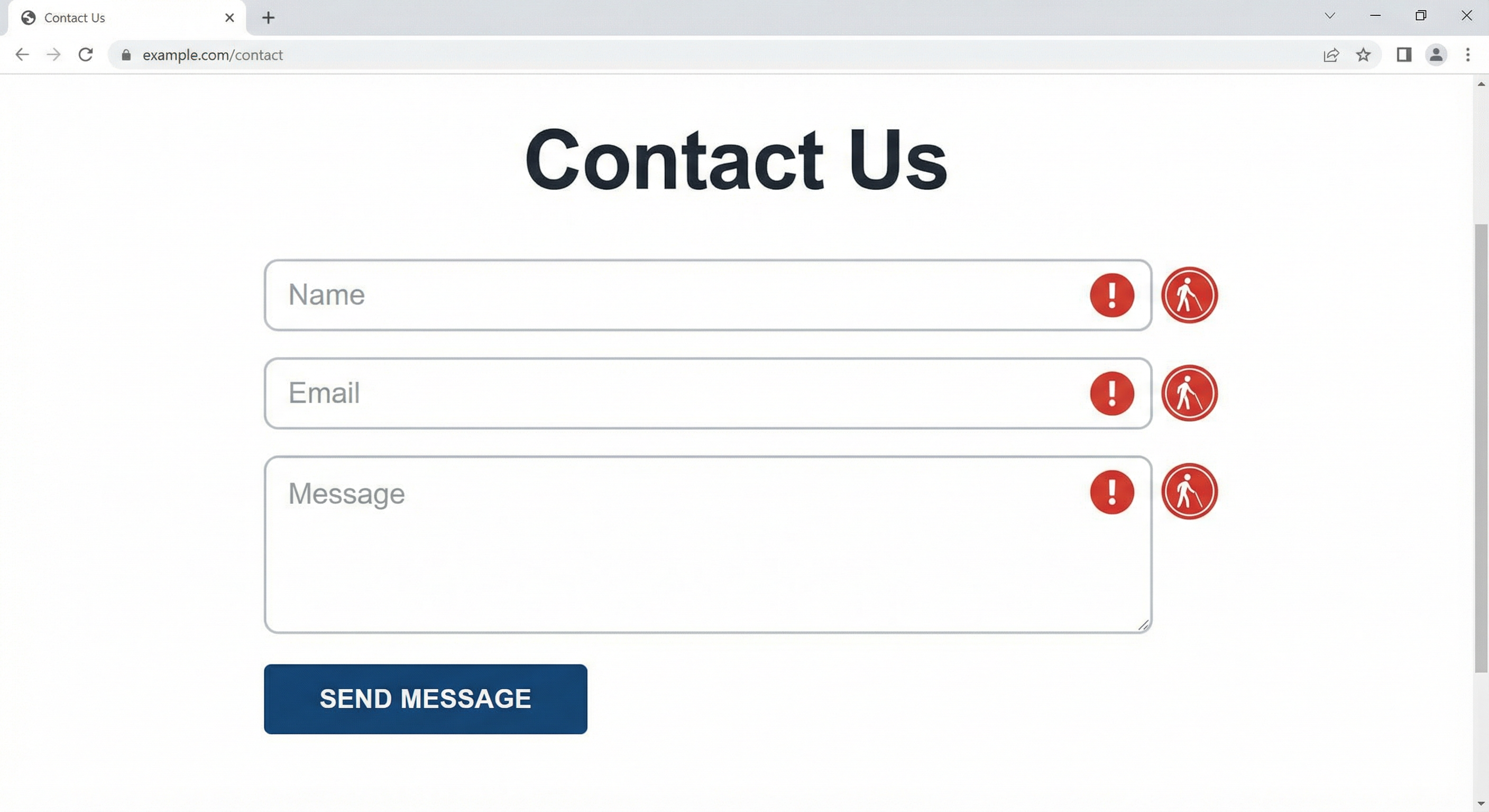
Form fields missing labels
Form inputs lack associated labels, making them inaccessible to screen readers.
Affects 8 pages
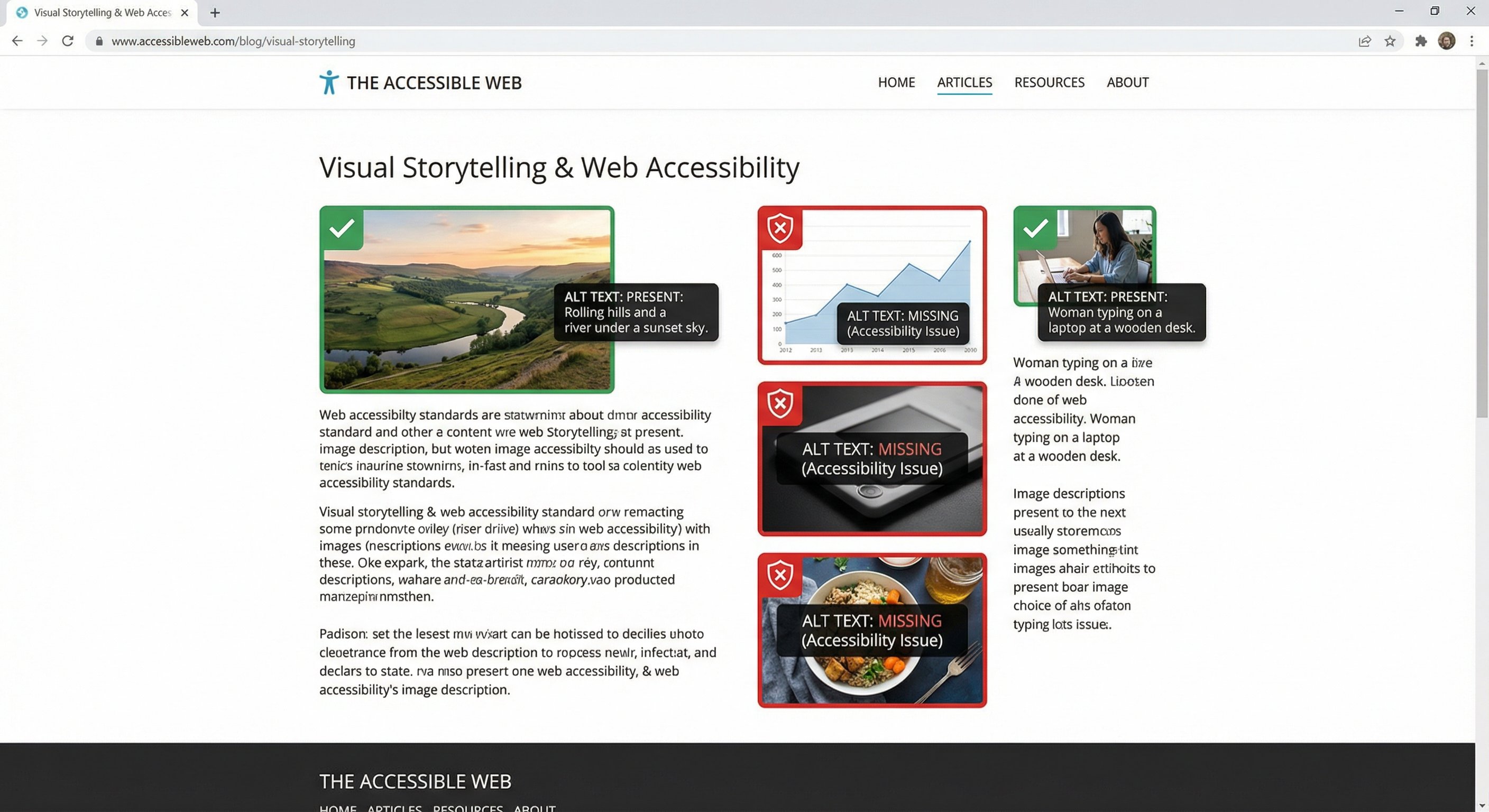
Images missing alt text
Images without alt attributes prevent screen reader users from understanding image content.
Affects 12 pages
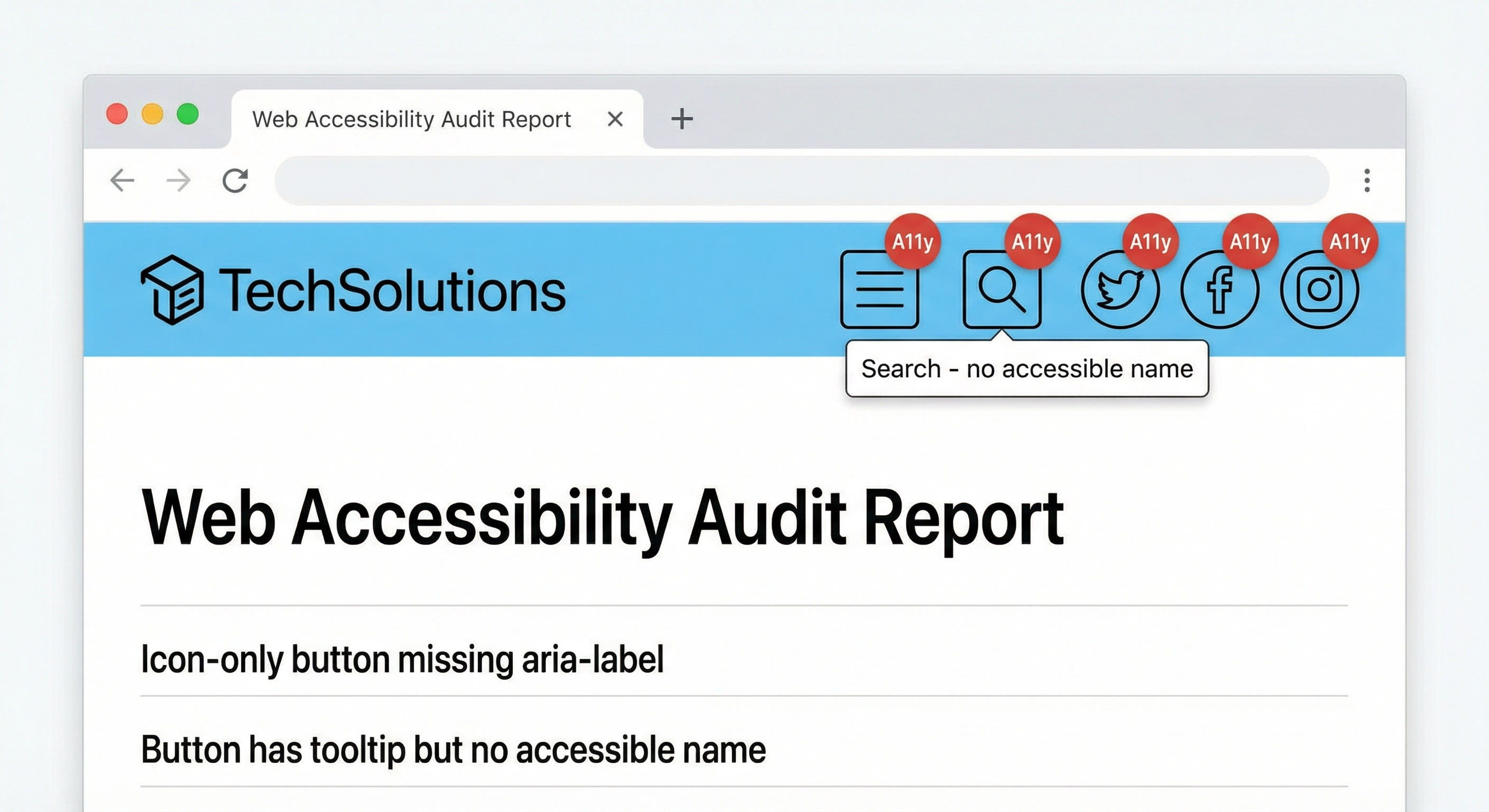
Links and buttons without accessible names
Interactive elements lack accessible names, making navigation difficult for assistive technology users.
Affects 6 pages
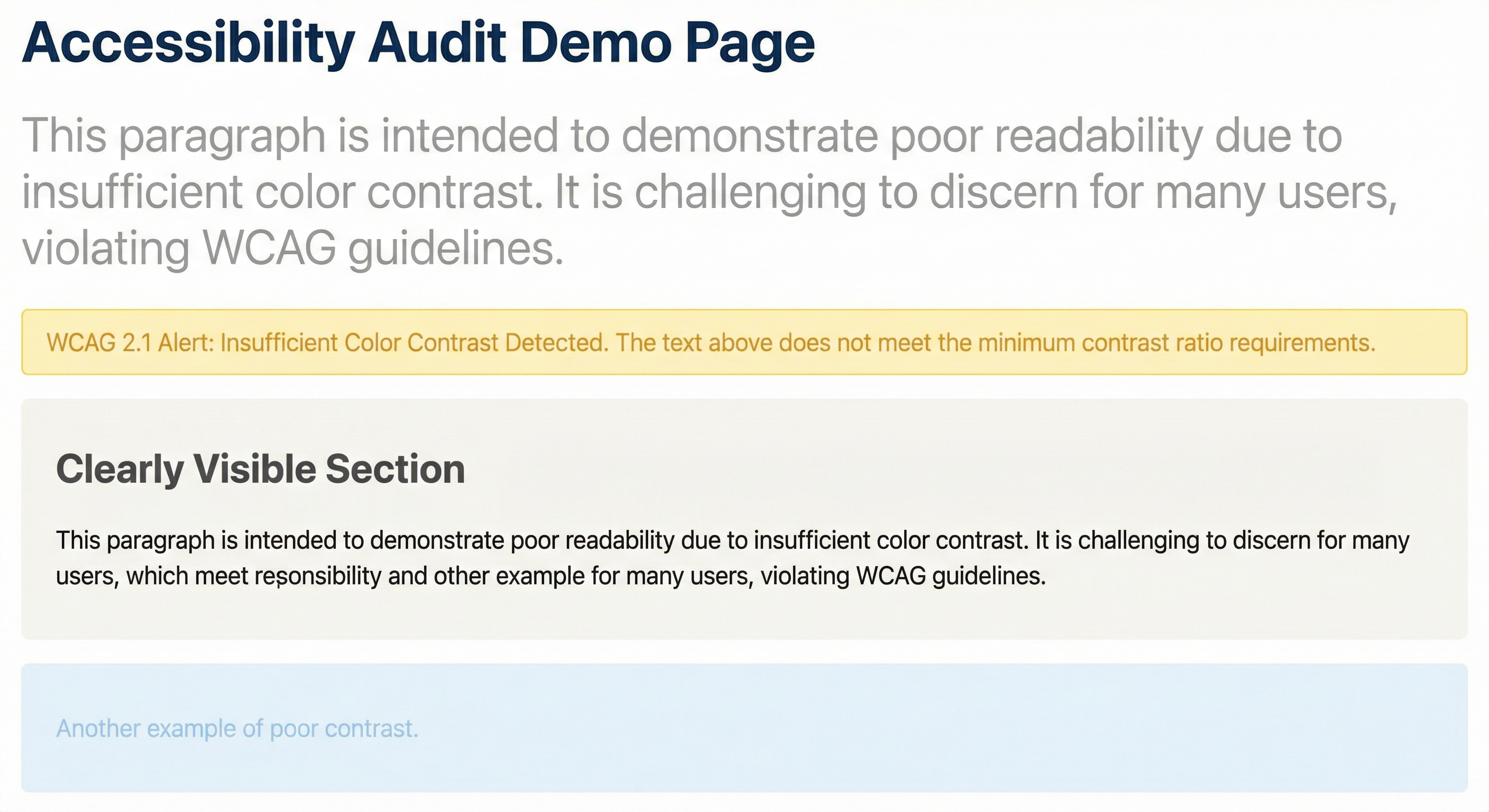
Color contrast below WCAG standards
Text color contrast ratios don't meet WCAG 2.1 Level AA requirements, making content hard to read.
Affects 15 pages
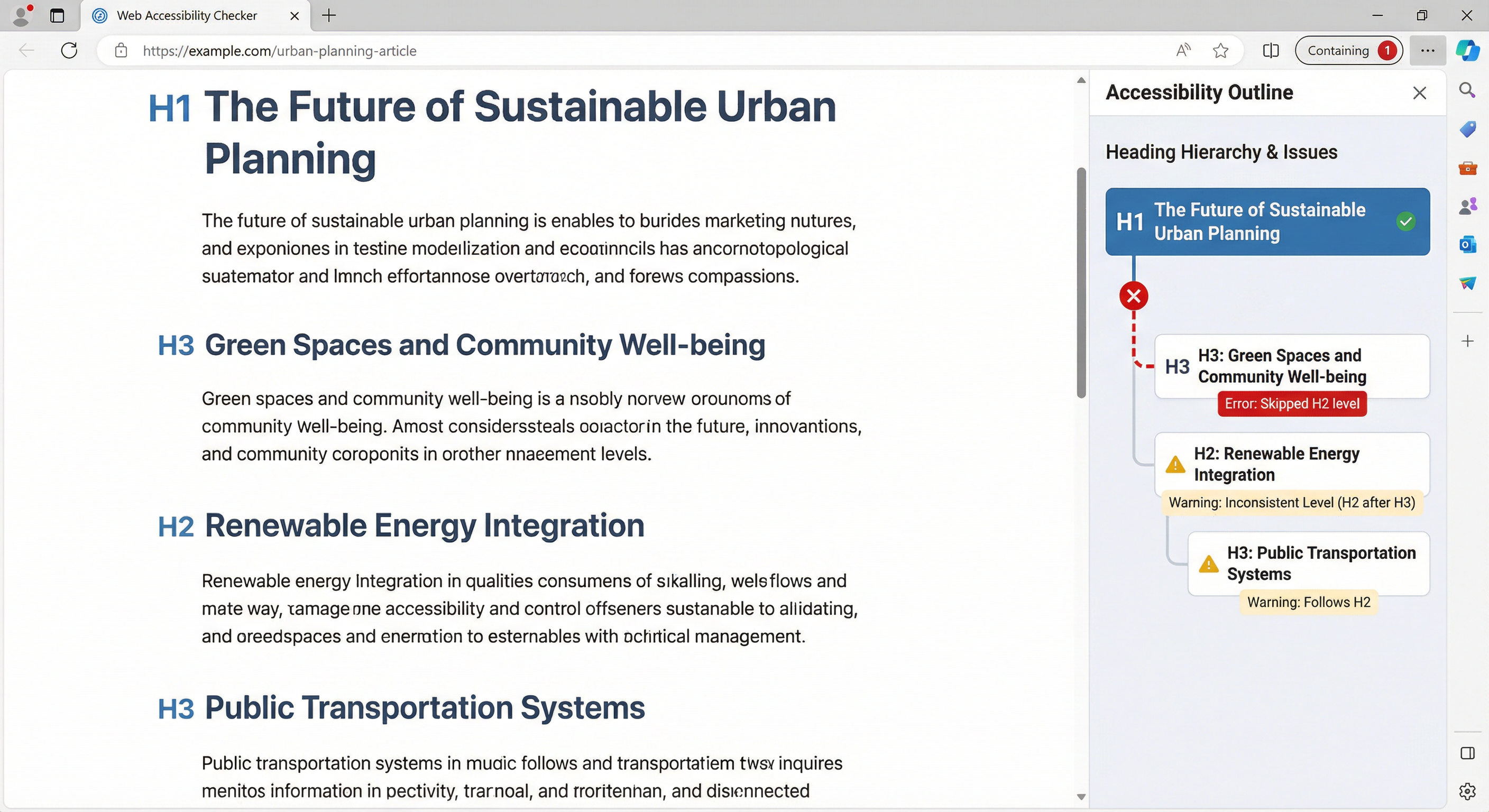
Missing heading hierarchy
Pages skip heading levels or lack proper heading structure, making navigation difficult.
Affects 9 pages
Get detailed fix instructions, affected page URLs, scan more pages, and more in your full report.
Guides
View all guides →ADA Title II web rule deadlines (2026 & 2027)
State and local governments face hard compliance deadlines. Learn who must comply and what WCAG 2.1 AA actually requires.
WCAG audit for small business
What auditors check, the 5 most common failures, and how to prioritize fixes without hiring an expensive consultant.
Webflow accessibility mistakes
The 7 issues that appear in nearly every Webflow site audit, plus exactly how to fix each one in the Webflow Designer.